In the Saudi market, which is highly active, real-estate listings are abundant. Some are inaccurate, and a few are outright fraud. The difference between a reassuring deal and one you regret often comes down to a few minutes of verification before you pay a riyal or hand over your identity. This guide sets out the steps for verifying a property listing before you buy or rent, and highlights the warning signs worth stopping for.
The golden rule: Do not pay a deposit, advance rent, or share any verification code sent to your phone until you have confirmed three things: that the listing is licensed, that the advertiser has the right to offer the property, and that you have viewed the property in person.
Step One: Verify the advertising license number
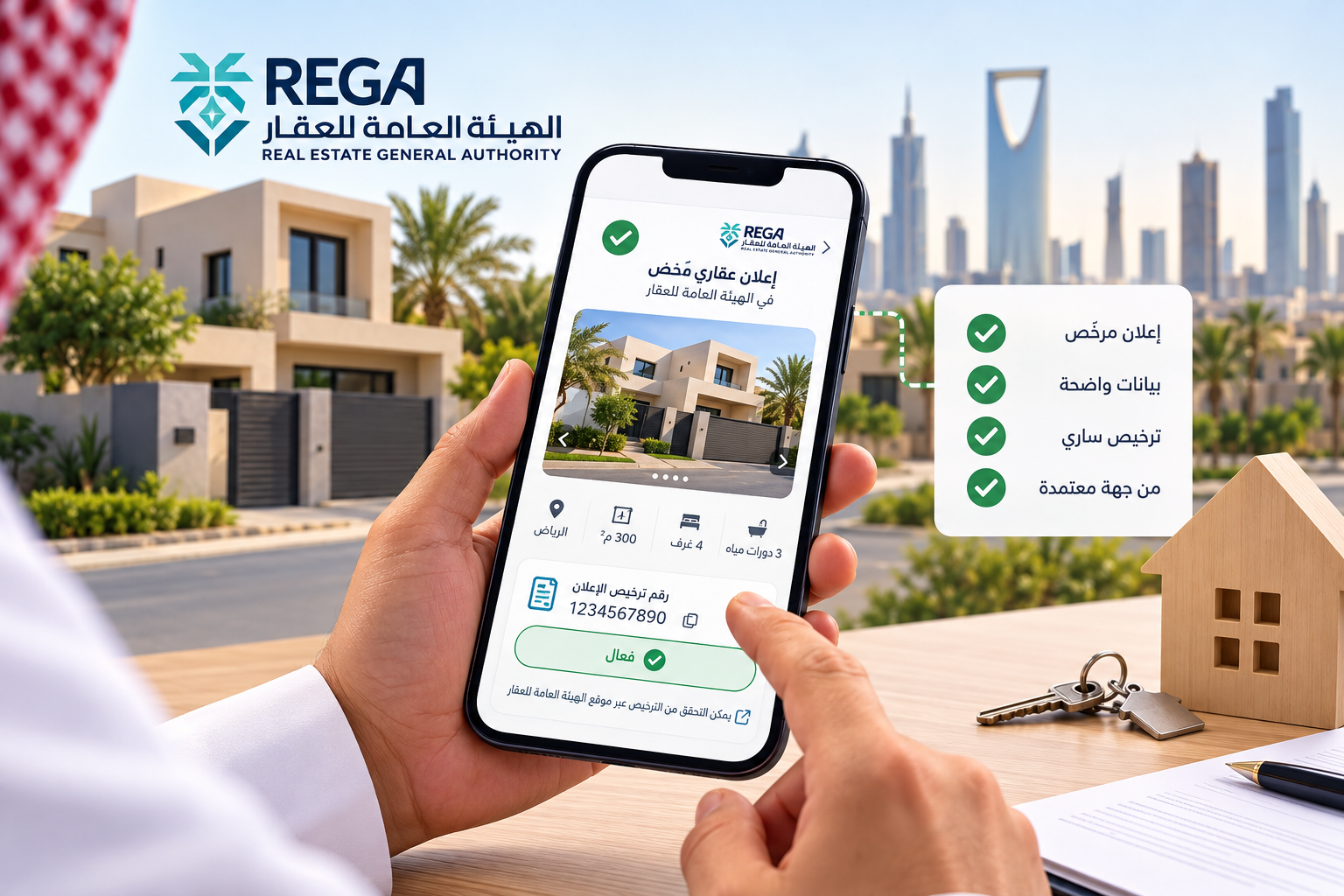
A legitimate real-estate listing in Saudi Arabia carries a license number issued by the Real Estate General Authority (REGA), and it should appear clearly in the listing itself (see What Is a Real-Estate Listing and What Are Its Requirements). Do not settle for simply seeing a number written down, because the number may have been copied from another listing.
- Ask for the number if it is not shown. The license number should be available for verification, and reluctance to provide it is a reason for caution.
- Check it using REGA's license inquiry service, and compare the details shown (property type, location, and purpose) with what the listing says. If the details differ, stop until you understand why.
- Watch for expiry. Licenses have a validity period, and a listing under an expired license is not considered legitimate.
Step Two: Who is the advertiser?
Ask directly: are you the owner, a broker, or an agent? Then verify according to the answer:
- If they are the owner: ask for proof of ownership (the next step), and compare their name with the one on the title deed.
- If they are a broker or agency: ask for their FAL license for real-estate brokerage and marketing, and confirm it is valid. A genuine broker states it readily and works under a written brokerage agreement.
- If they are an agent: ask for a copy of the power of attorney, and make sure it is valid and actually covers sale or leasing, not just management or marketing.
Step Three: Confirm the property's ownership
This step protects your money more than any other, especially when buying:
- Ask for proof of ownership, and verify it through official channels (the Ministry of Justice services or a notary public), not from a photo alone. You do not need a full copy of the deed; verifying its details is enough.
- Match the names: the owner's name on the deed must match the person signing with you, or the signatory must hold a valid power of attorney.
- Ask about the property's status: Is it mortgaged? Is there a freeze, dispute, or other obligation on it? Check for mortgages, sale procedures, and the approval of the financing institution where relevant.
- Check the deed's details against reality: the area, boundaries, district, and city should match what you saw during the viewing.
Step Four: Examine the price, photos, and description
- Price: compare it with similar listings in the same district. A price far below the market calls for verification before you decide. (For an example of price ranges, see Apartment Prices for Sale in Jeddah.)
- Photos: run the listing's photos through a reverse image search. If they appear in other listings under different titles, they have been stolen. Ask for photos or a recent video showing a specific detail, such as the apartment number or the building facade today.
- Description: a vague listing with no district, area, or license number deserves caution. Contradictions between the text and the photos are a warning sign.
Step Five: Inspect the property yourself
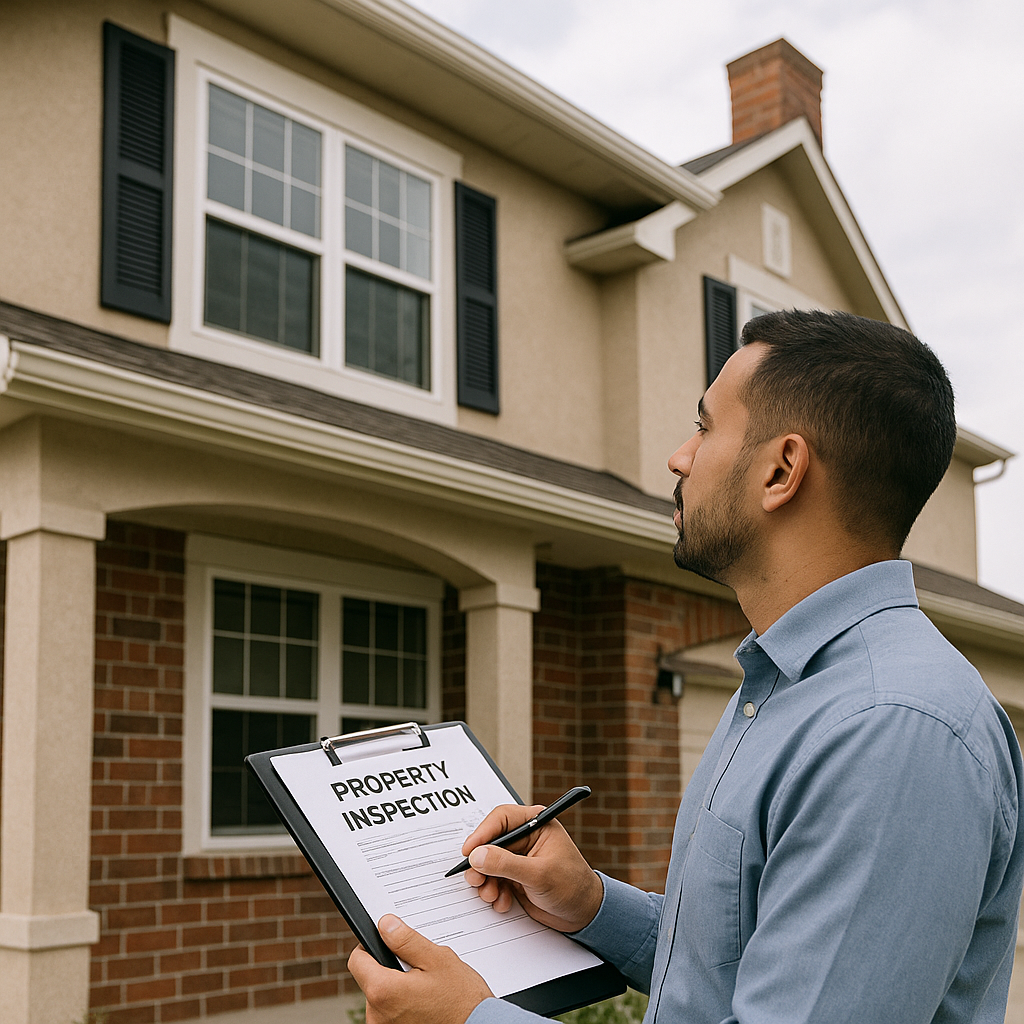
Do not accept "viewing by photos only", and do not pay before you have seen the property with your own eyes. Go to the address, meet the advertiser there, and confirm that the person who opens the door is the advertiser or someone they have authorized. For rentals, see the checklist for viewing a rental apartment; for purchases, see defects to watch for before buying a home.
If you are renting: document the contract and payment
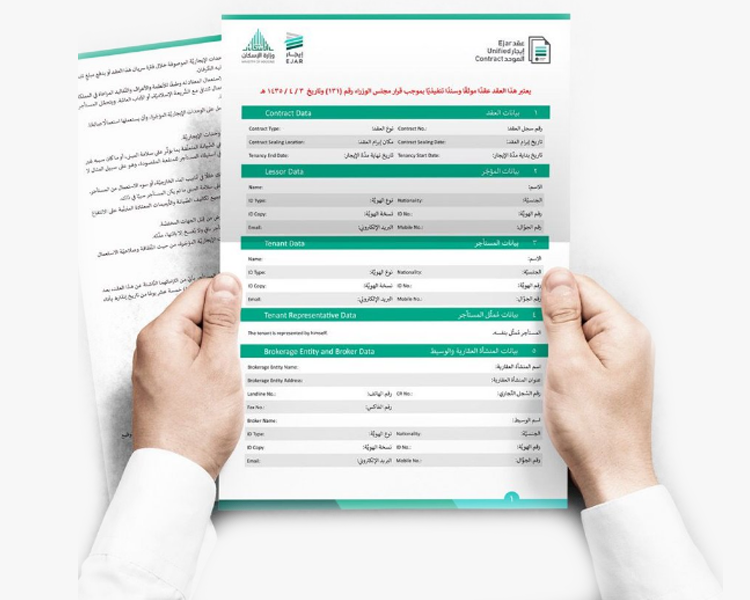
- Document the lease through the Ejar platform. A registered contract is what protects your rights against the landlord and before official bodies.
- Read the contract before signing, and match the landlord's name and the property details with the deed (see tips before signing a lease).
- Do not transfer any money before the contract. If you are asked to "reserve" the property, it should only be done through a written document that states the amount and the conditions for its refund.
- Pay by a method that proves the transaction, and do not pay cash without a receipt.
If you are buying: do not rush the payment
- Do not pay a deposit before verifying the deed, the license, and the advertiser. If you do pay, do so under a written agreement that states what happens to the money if the deal does not go through.
- Do not transfer to a personal account that does not match the owner. A difference between the account holder's name and the owner's or their representative's name is a red flag.
- The transfer of ownership is completed through official bodies (the notary public or approved electronic channels), not through a "between the parties" document alone.
- For off-plan property: confirm the project's license on the Wafi platform run by REGA, and confirm that your payments are deposited into an escrow account dedicated to the project, not into the developer's general account.
Signs of fraud: when to stop immediately
- A price far below the market, combined with pressure to "reserve today".
- Refusal of a viewing, or a demand for payment before you see the property.
- A request to transfer money to an account in someone else's name.
- A request for the verification code sent to you by text message or for your login details (Nafath or your bank). No serious real-estate party needs these.
- No license number, or an advertiser whose name does not match the owner or authorized representative, combined with shifting explanations.
If you are suspicious: stop. Do not try to "test" the advertiser by paying a small amount. Report the listing on the platform where you saw it, and if you have already transferred money, contact your bank and the relevant authorities immediately.
A quick checklist before you pay
- ☐ The license number is visible, valid, and matches the property
- ☐ The advertiser's capacity is clear and established
- ☐ Ownership is proven, and the owner's name matches the contracting party or their representative
- ☐ The price is close to the market, and the photos match reality
- ☐ You have viewed the property yourself
- ☐ The contract is in writing (and registered on Ejar for rentals), and payment is made by a method that proves the transaction
Frequently asked questions
Does a licensed listing mean the property is guaranteed?
A real-estate listing license helps you verify that the listing is legitimate and that its details are accurate, but it does not replace confirming ownership, checking that the advertiser is authorized to deal with the property, and inspecting it before you contract.
What should I do if the advertiser fails to prove the license or ownership?
The license number must be available for verification. For ownership, ask for verification through official channels without insisting on a full copy of the deed. If the advertiser keeps avoiding proof, stop until you are certain.
How do I report a suspicious listing?
Use the report button on the listing page, and report it to the platform or the relevant authority with the evidence you have (listing number, advertiser's number, chat screenshots). If you have transferred money, notify your bank directly.
Search for your property with confidence on Aqar City
Browse licensed real-estate listings on Aqar City and compare the options that suit your needs. If you cannot find what you are looking for, post your property request and receive offers from owners and brokers.